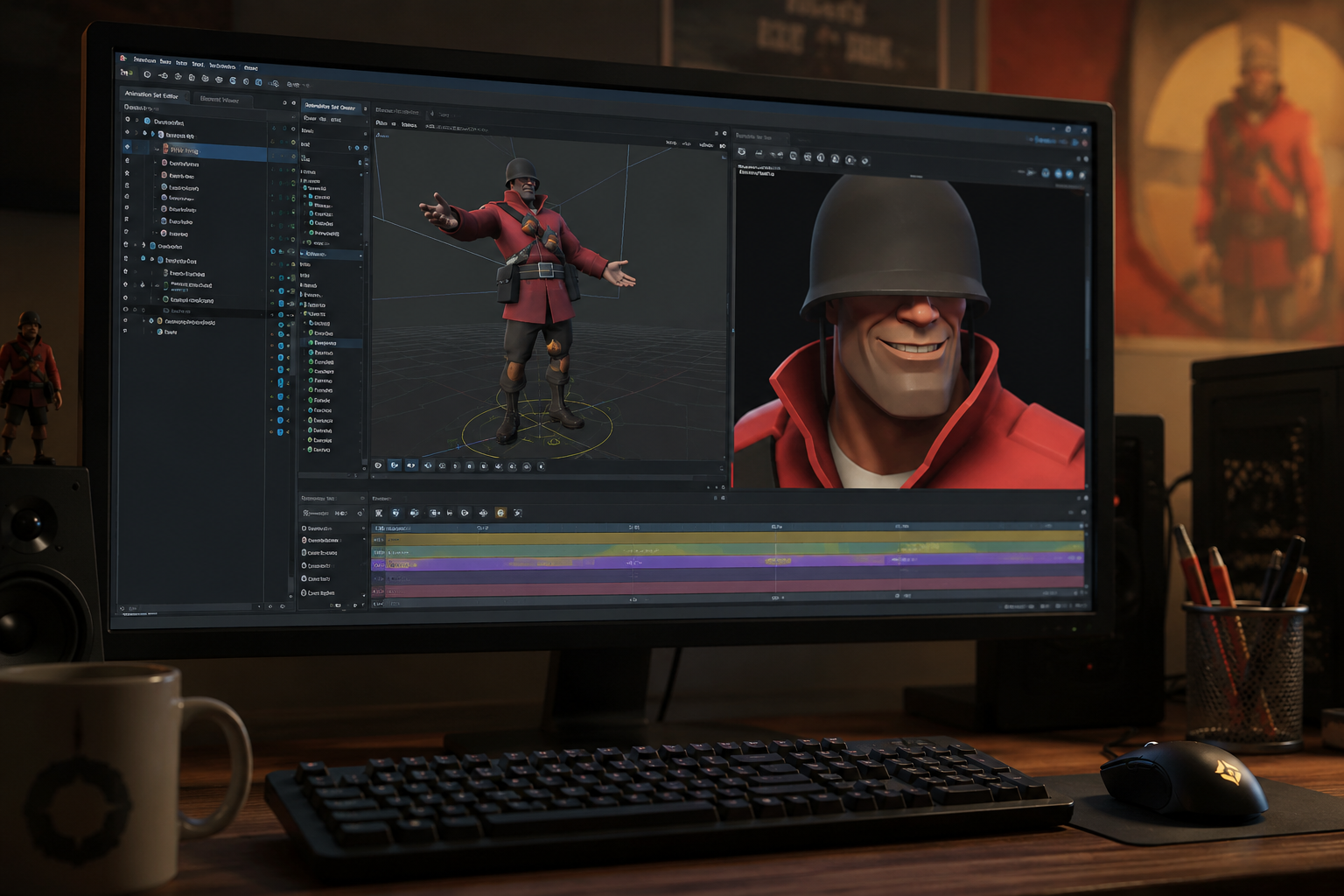
What Is SFM Compile and Why Does It Matter?
SFM compile is the process of converting raw 3D assets, such as models, animations, textures, and configuration files, into formats that Source Filmmaker (SFM) can recognize and use. During compilation, files like SMD or DMX are processed through a QC script and compiled into Source Engine formats such as MDL, VVD, and VTX. This step is essential because SFM cannot load standard 3D project files directly. Whether you are importing a custom character, prop, or animation created in Blender, Maya, or 3ds Max, sfm compile ensures the assets function correctly inside Source Filmmaker with proper textures, skeletons, animations, and physics, making it a fundamental part of every custom content workflow.
How the SFM Compile Process Works
The sfm compile process begins after a 3D model has been created and prepared in software such as Blender, Maya, or 3ds Max. The model is exported into a Source-compatible format, typically SMD or DMX, along with any required animations. A QC (QuakeC) script is then created to define important information such as the model’s name, material paths, skeleton, animation sequences, and output directory. This script serves as the instruction file that tells the Source Model Compiler how to build the finished model. Once all project files are organized correctly, the compiler reads the QC script and generates the files needed for Source Filmmaker.
After the compilation finishes successfully, several output files are produced, including MDL, VVD, VTX, and, when applicable, PHY files for physics. These compiled files are copied into the appropriate Source Filmmaker game directory, where the software can detect and load them. Before using the model in an animation, creators usually test it to verify that textures display properly, bones move as expected, and animations play without errors. If problems appear, such as missing materials or broken animations, the model can be corrected in the source files and compiled again until everything functions as intended.
Essential Tools Required for SFM Compile
A successful sfm compile workflow depends on using the right tools. The most important is Valve’s StudioMDL, the official compiler that converts source files into Source Engine model formats. Many creators use Crowbar, a popular graphical interface that simplifies compiling and decompiling models without relying on command-line commands. For model creation and editing, Blender is the most widely used free option, while Maya and 3ds Max are also supported. Additional utilities such as VTFEdit help convert textures into VTF and VMT formats required by the Source Engine. When these tools are used together and configured correctly, compiling custom models for Source Filmmaker becomes much more efficient and reliable.
Common SFM Compile Errors and How to Fix Them
Even experienced creators can encounter problems during the sfm compile process. One of the most common issues is a compilation failure caused by an incorrect QC script, missing model files, or invalid file paths. Errors may also occur if the exported SMD or DMX files contain broken bone structures, unsupported geometry, or incorrectly named materials. In many cases, the compiler log clearly identifies the problem, making it easier to locate and correct the affected file before compiling again. Taking the time to review the log after every compile can save hours of troubleshooting.
Another frequent problem involves missing textures or models appearing with visual glitches inside Source Filmmaker. This usually happens when VTF and VMT texture files are stored in the wrong folder or when material paths in the QC script do not match the actual directory structure. Animation errors can also occur if skeletons are exported incorrectly or if bone names change between revisions. Keeping project folders organized, using consistent file names, and testing models after each successful sfm compile helps identify issues early and ensures the finished model performs correctly in animations.
Best Practices for Successful Model Compilation
Following a consistent workflow is the best way to achieve reliable sfm compile results. Before compiling, verify that your model has a clean bone hierarchy, correctly assigned materials, and properly named files. Keep all project assets organized in dedicated folders, double-check the QC script for accurate paths and settings, and export models using supported formats such as SMD or DMX. It is also a good practice to compile and test your model after making small changes rather than waiting until the project is complete. This approach makes it easier to identify errors, reduces troubleshooting time, and helps ensure the final model loads correctly in Source Filmmaker with working textures, animations, and physics.
Real-World Example: Compiling a Custom Blender Model for SFM
Imagine a creator designs a custom character in Blender for use in a Source Filmmaker animation. After completing the model and rigging it with a skeleton, the character is exported as an SMD or DMX file using a compatible export add-on. The creator then prepares the required texture files and writes a QC script that specifies the model name, material directory, animation sequences, and output location. Using Crowbar or StudioMDL, the project is compiled into Source Engine formats such as MDL, VVD, and VTX, making the character ready for Source Filmmaker.
Once the compilation is complete, the generated files are copied into the appropriate Source Filmmaker usermod directory. The creator launches SFM, loads the model into a new session, and checks that textures display correctly, bones move naturally, and animations play without distortion. If any issues appear, such as missing materials or incorrect rigging, the original Blender project and QC configuration are updated before running sfm compile again. This iterative workflow is commonly used by animators because it produces stable, high-quality models that are ready for cinematic projects and custom animations.
Conclusion
Understanding sfm compile is essential for anyone who wants to create and use custom content in Source Filmmaker. From exporting models and preparing QC scripts to compiling files with StudioMDL or Crowbar, every step plays an important role in ensuring a model works correctly inside SFM. By using the proper tools, organizing project files, following best practices, and reviewing compiler logs when errors occur, creators can build reliable models with accurate textures, animations, and physics. As you gain more experience with the compilation workflow, the process becomes faster and more efficient, allowing you to focus on producing high-quality animations and creative projects.
FAQs
1. What does sfm compile mean?
SFM compile is the process of converting 3D model files, textures, and configuration scripts into Source Engine formats that Source Filmmaker can load and use.
2. Which software is commonly used for sfm compile?
Most creators use Blender for modeling, Crowbar as a compilation frontend, StudioMDL for compiling models, and VTFEdit for preparing textures.
3. Why does my model fail during sfm compile?
Common causes include incorrect QC scripts, missing textures, invalid file paths, broken bone hierarchies, or improperly exported model files.
4. Can beginners learn sfm compile?
Yes. Although the workflow involves several file types and tools, beginners can learn it by following tutorials, organizing project files carefully, and practicing with simple models before moving on to more advanced projects.